Creator Maintenance Guide: What to Update at Year-End
Before we jump into a new year, here’s your high-level creator maintenance guide to help you refresh your business, clean up your digital presence, and walk into the new year with clarity.
Media Kits or Service List
Having updated marketing pieces - like a media kit, business card, or info card - eliminates the stress of throwing something together when a brand partner or potential client unexpectedly asks for it. Stay ready so you don't have to get ready!
Here is what to review:
Media Kit
Contact Info
Audience & Analytics
Bio
Niche or Content Pillars
Services
Remove outdated services
Add new services based on new platform features, service bundles etc
Updated rates that account for your audience size, skillset, quality, etc. If there is something you are hesitant to price, note “priced by proposal” or “starts at ____”.
Branding Images



Headshots
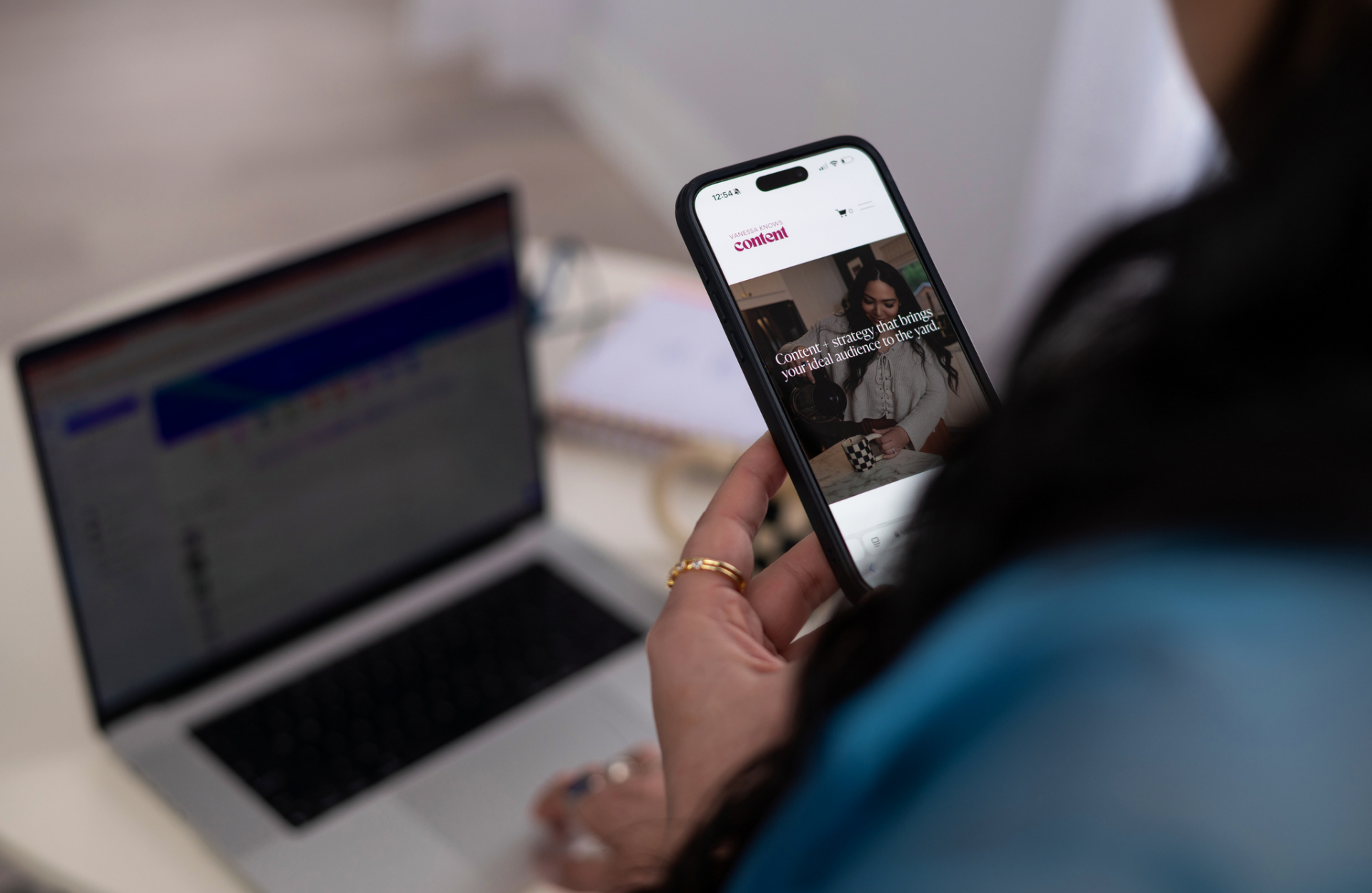
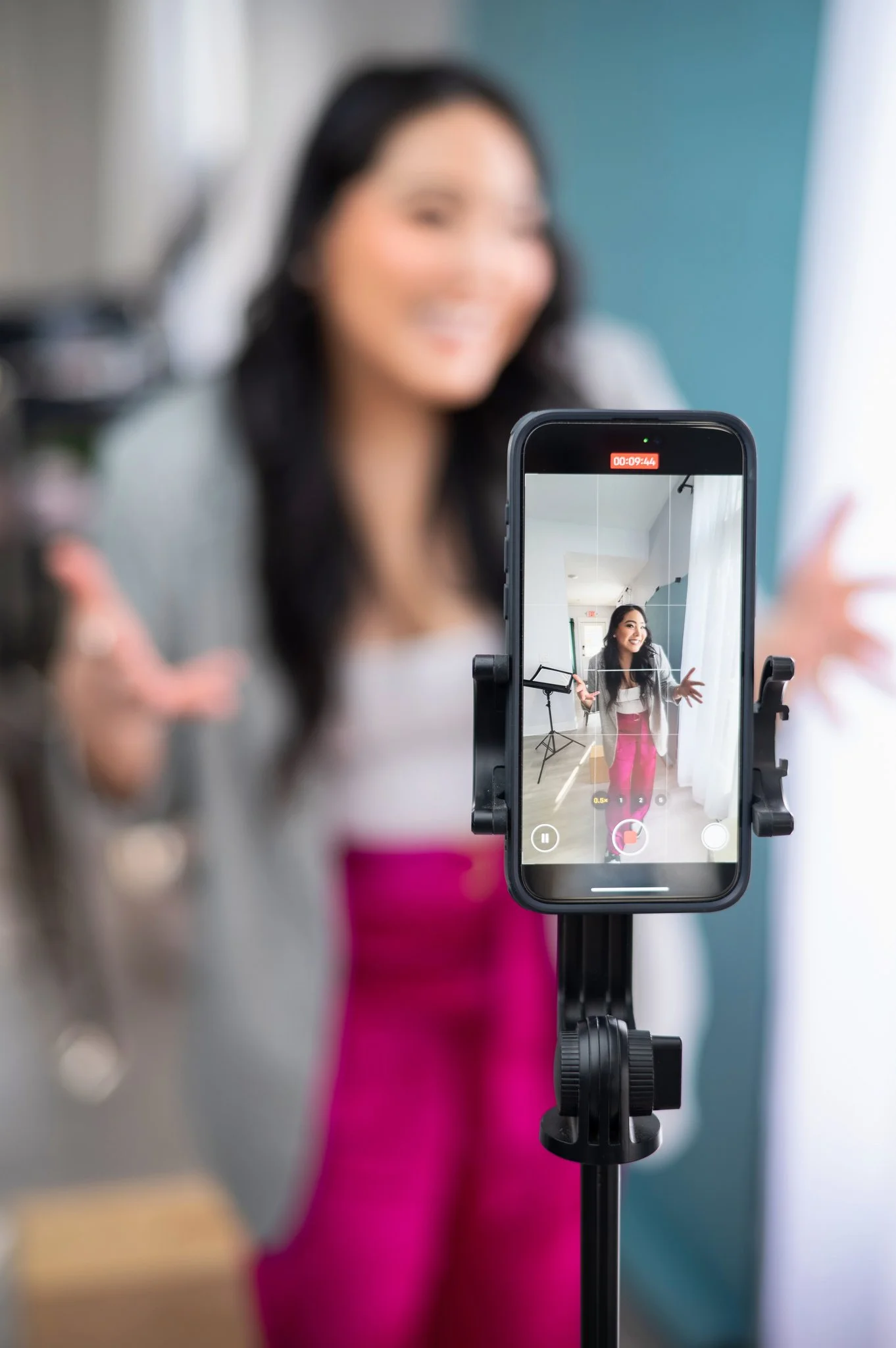
Headshots are a must have. Whether you get professional pictures taken or DIY your photoshoot, having a headshot that shows your best side is key. This is your go-to images for pitches, brand spotlights, conferences and PR features.
Ask yourself:
Do I still look like I did in your current profile picture? (Hair, weight, colors, style, brand colors, picture/lens quality etc)
Is my face clearly visible?
Is the background distracting?
Does it support what I do online? Example: using a vacation photo may not help someone understand your cooking niche.)
Download a free checklist.
Static Images
In the world dominated by video,most creators don’t have static images of your work. Take inventory of what products, services, or projects etc deserve a static spotlight on your feed or website.
Key images to review or add:
Website hero image
Social platform banners
Email signature graphics
Video covers / thumbnails
Bio and Descriptions
When revising your bio or short descriptions, make sure you clearly communicate who you are, what you do, the community you’re building, and (optionally) your general location.
Ask yourself:
Am I using the right keywords people search for?
Have I clearly called out your niche or main topics I cover?
Is my location clear? (even if general)?
Can my description be more concise?
Paid Subscriptions/Services
Any business uses a handful of digital tools, but creators often forget to ask themselves whether these tools still make sense. If you’ve outgrown a platform, duplicated a subscription, or straight up forgot what you’re paying for, now is the time to audit.
Review subscriptions for:
Email marketing platform - Kit, Flodesk, Kajabi
Purchased domains - GoDaddy, Namecheap
Website and hosting - Squarespace, Wix, Shopify, Wordpress
Editing software - Splice, Inshot, Capcut
Content distribution software - Repurpose IO
Reporting tools - InfluenceKit
Payment processing or Accounting - Paypal, Quickbooks, Stripe
Social Ad ons - Meta Verification, ads
Admin tools - Adobe Suite, Notion, Canva Pro
Creator maintenance isn’t glamorous, but it’s one of the smartest ways to protect your time, your brand, and your income. Once you work through this high-level checklist, you’ll walk into the new year with updated assets, clean systems, and a clearer sense of what’s working in your business.
Bookmark this post, save the checklist, and come back soon—I’ll be sharing deep dives into each part of this maintenance guide so you can level up every corner of your creator business in 2025.